
TerraLedger Allotment Management
TerraLedger Allotment Management
Replace your allotment spreadsheets. Manage waitlists, plots, tenants, rent status, inspections, and committee reports from one dashboard built for councils.
The waitlist your applicants can track themselves — so your inbox stops filling with 'where am I in the queue?' emails.
Pre-loaded with realistic data · Your session is private · Resets after 2 hours
- Plot grid management with real-time status tracking — all plots at a glance
- Member and tenant directory — find anyone instantly
- Digital waitlist with position tracking — never lose an application
- Two plans for every size: Community (self-serve) and Enterprise (multi-site councils)
- Pay only for what you need with optional add-ons
- Transparent usage-based pricing — £900/yr at a typical 500-plot scale, self-serve sign-up with no procurement cycle, no per-module licences, and no multi-year lock-in
Problems we solve & What you get
Before
Spreadsheets, email, and phone calls. Lost applications. Angry applicants. Zero visibility.
After
One dashboard. Self-serve applicant portal. Automated notifications. Export to council report in one click.
Problems we solve
- Councils managing allotment waitlists, plot assignments, and tenant records across spreadsheets, email, and legacy systems — with no way to report, audit, or scale.
- Our waitlist is a spreadsheet. When someone leaves we have no idea who's next.
- Applicants call the office every week asking where they are in the queue.
- We can't produce a utilisation report for the portfolio holder without a day of manual work.
- GDPR audit last year — we couldn't show who had access to applicant data.
- We have 3 sites and 3 different spreadsheets. No way to see the full picture.
- As secretary, I'm drowning—main point of contact, minutes, admin, and still have my day job
- Invoices and payments tracked in different spreadsheets—always chasing people, never sure who's paid
- Compliance tracking scattered across spreadsheets, Post-it notes, and paper files—constant source of stress
What you get
- Plot grid management with real-time status tracking — all plots at a glance
- Member and tenant directory — find anyone instantly
- Digital waitlist with position tracking — never lose an application
- Two plans for every size: Community (self-serve) and Enterprise (multi-site councils)
- Pay only for what you need with optional add-ons
- Transparent usage-based pricing — £900/yr at a typical 500-plot scale, self-serve sign-up with no procurement cycle, no per-module licences, and no multi-year lock-in
Why it works better
See it in action
The moments that make you think: "This is exactly what I needed"
Self-service waitlist status — applicants can see their status without calling the council
“I can finally see my waitlist status and queue position where the list is ranked—no more calling the council every month!”
When: Applicant checks their position for the first time
“Every plot's status in one screen—occupied, vacant, maintenance—no more hunting through spreadsheets!”
When: Secretary opens dashboard and sees all plots in one view
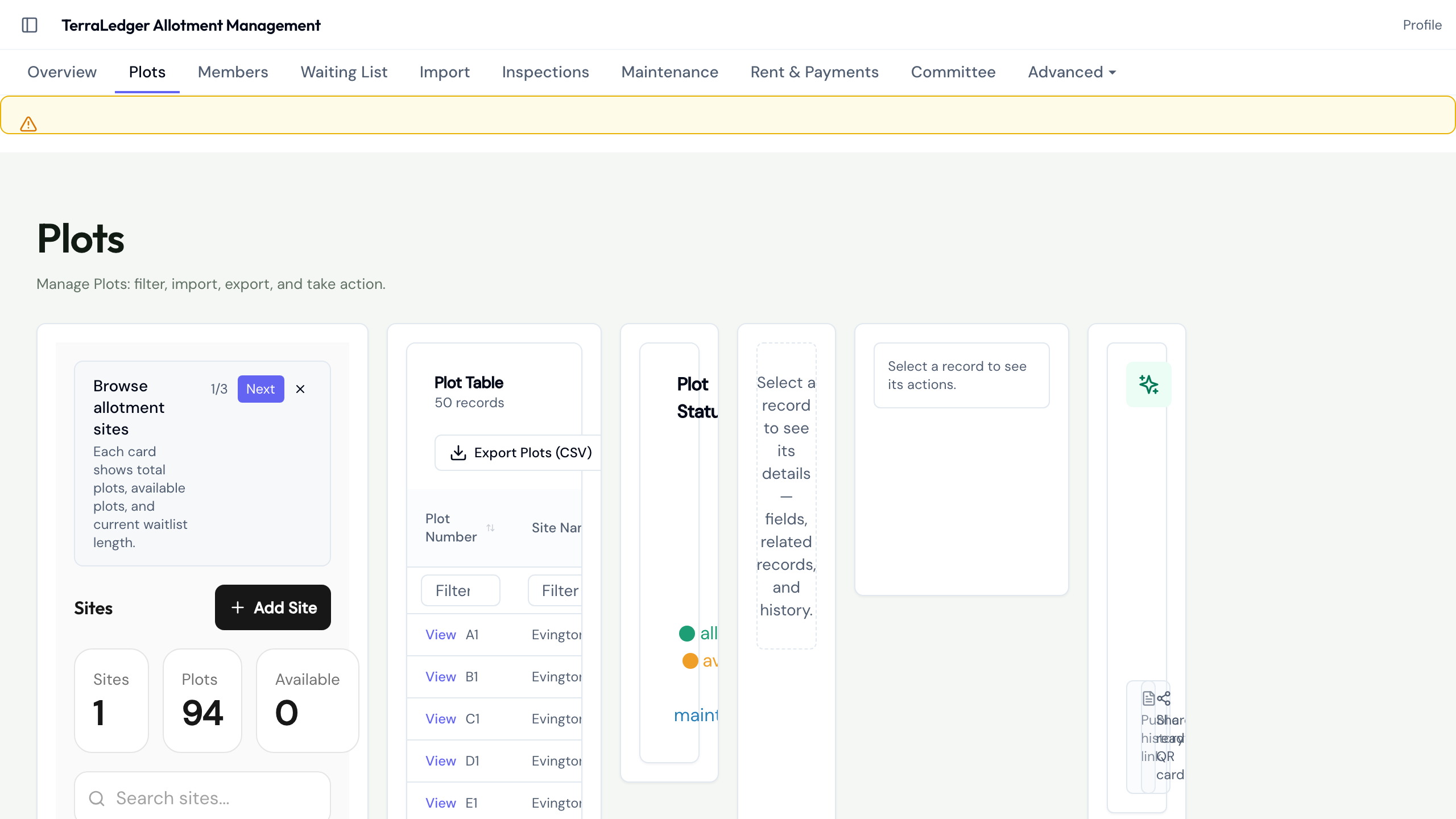
Every plot at a glance through the shared EntityTable grid, with drill-down, import, export, and status filters

Applicant status and queue data help clerks answer waitlist questions
“I can finally give applicants a useful status update instead of saying 'no idea'”
When: Applicant status and queue data are available in the waitlist view
“I can see the invoice and payment status in the tenant record instead of checking a separate spreadsheet.”
When: Treasurer reviews invoice and payment status for a tenant

Invoice and payment status stay visible with the tenant record

Finance status is visible for committee review with audit context
“Rent and invoice status is visible in TerraLedger without hunting through separate spreadsheets.”
When: Committee reviews rent, invoice, and payment status from TerraLedger
“The inspection note is tied to Plot 23, so the committee can follow up from the same record.”
When: Committee records an inspection or maintenance action for a plot

Inspection and maintenance records stay attached to the plot

Committee communications stay connected to the operating loop
“The message is sent from the product path, and the activity is visible with the rest of the committee workflow.”
When: Committee sends safe-list communications from the product path
“I can see how every site, plot, tenant and waitlist applicant connects — this is the overview I've never had!”
When: Secretary opens the relationship graph and sees their entire estate connected for the first time

Your entire estate in one visual — sites, plots, tenants and waitlist applicants connected. Click any node to drill in.

The history belongs to the plot: land, crops and photos over time, with people kept private
“There are photos of this plot from 2019! I can see which crops thrived and how the beds developed, without exposing who held the plot.”
When: A plot holder opens Plot story and sees how the land and growing changed over time
“I can review what is shared publicly before it appears on the site.”
When: Tenant or committee member reviews a photo before sharing it publicly

Public sharing stays under review before publication

Every plot tells a story — share it publicly with one click
“That beautiful autumn harvest photo is now on our public site — and no one's identity is exposed. Best PR we've ever had!”
When: Site manager promotes a stunning plot photo to the public vanity site
“I can open the committee report view and review the records behind the monthly update without rebuilding a spreadsheet.”
When: Council officer generates the monthly committee pack for the first time

Committee reporting brings waitlist, tenancy, rent, and inspection context together

Import from Abavus in one click — every row validated before a single record is written
“I can migrate from Abavus in one click — the system validates every row, shows me exactly what will be imported, and lets me commit or fix errors before a single record is written.”
When: Council IT manager uploads their Abavus MCS export for the first time
Ready to explore?
Your sandbox is pre-loaded with realistic TerraLedger Allotment Management data.
No sign-up, no credit card — just click and go.
Prefer to get early access? Join the waitlist